ImgBB Alternative for Controlled Image Sharing
Direct answer: if you only need basic upload + link hosting, many tools can work. If you also need post-share control (limits, expiry, revoke), you need a tighter workflow.
When people search for an ImgBB alternative
Most teams are not just switching upload sites. They are solving operational issues: links getting forwarded too widely, outdated assets still circulating, and no clean way to stop access after a campaign closes.
This guide focuses on that exact use case: share fast, then stay in control.
Practical comparison (workflow perspective)
| Need | Basic image host approach | Controlled sharing approach |
|---|---|---|
| Send image set | Upload files one by one or in loose batches | Package a focused set (up to 25 images) under one share link |
| Offline distribution | Manual extra steps for print/offline handoff | Create QR from the same link for posters, cards, or event booths |
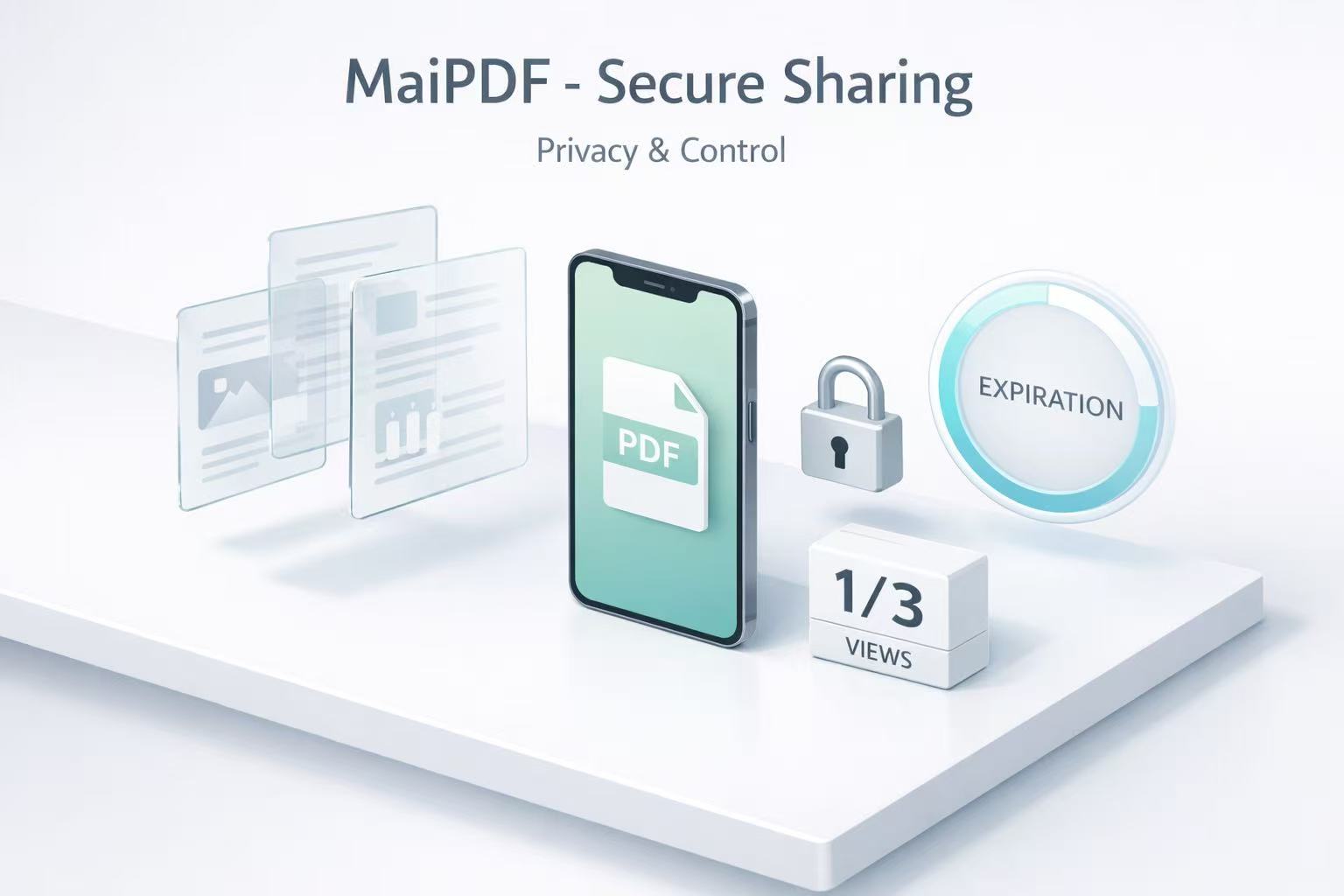
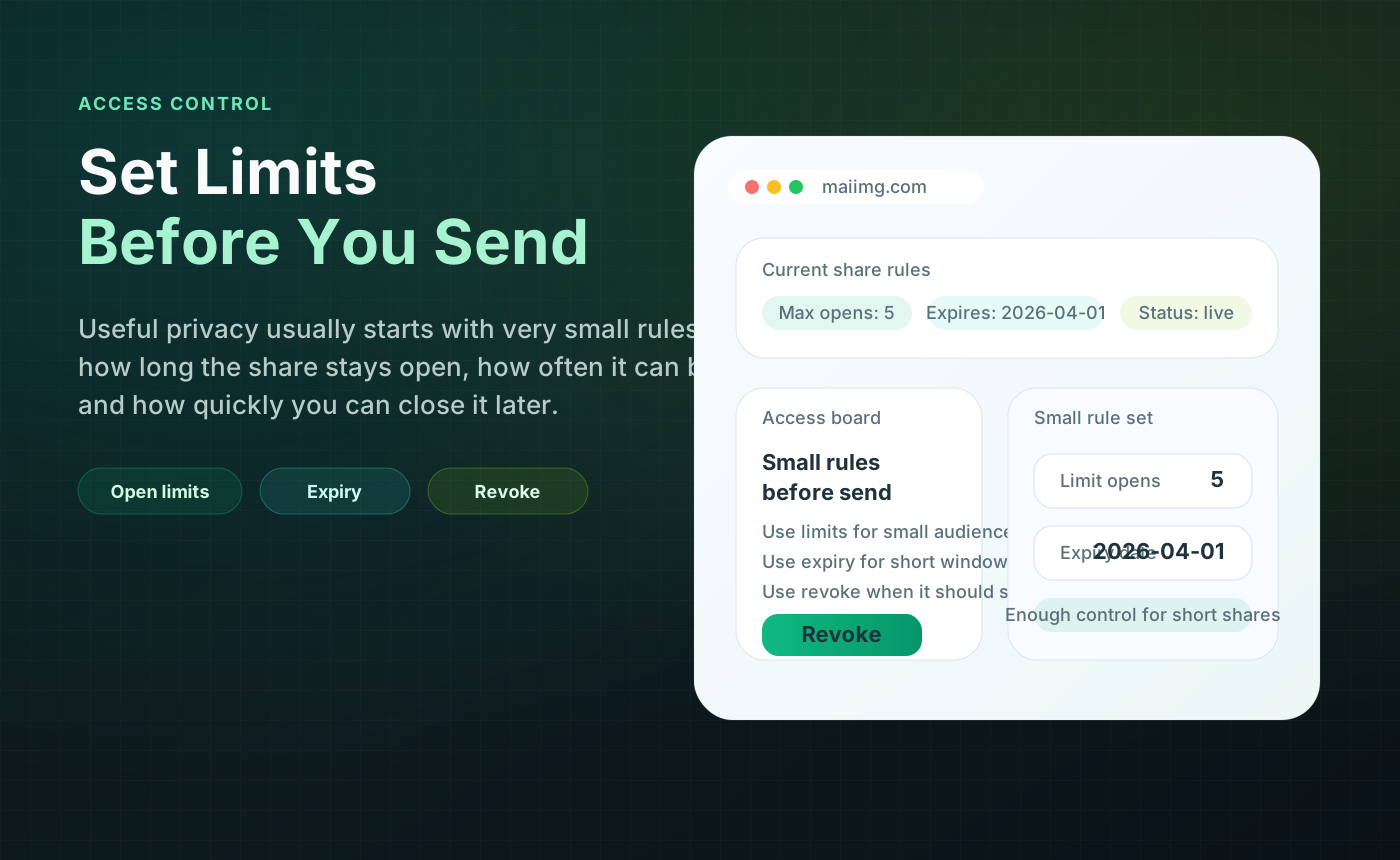
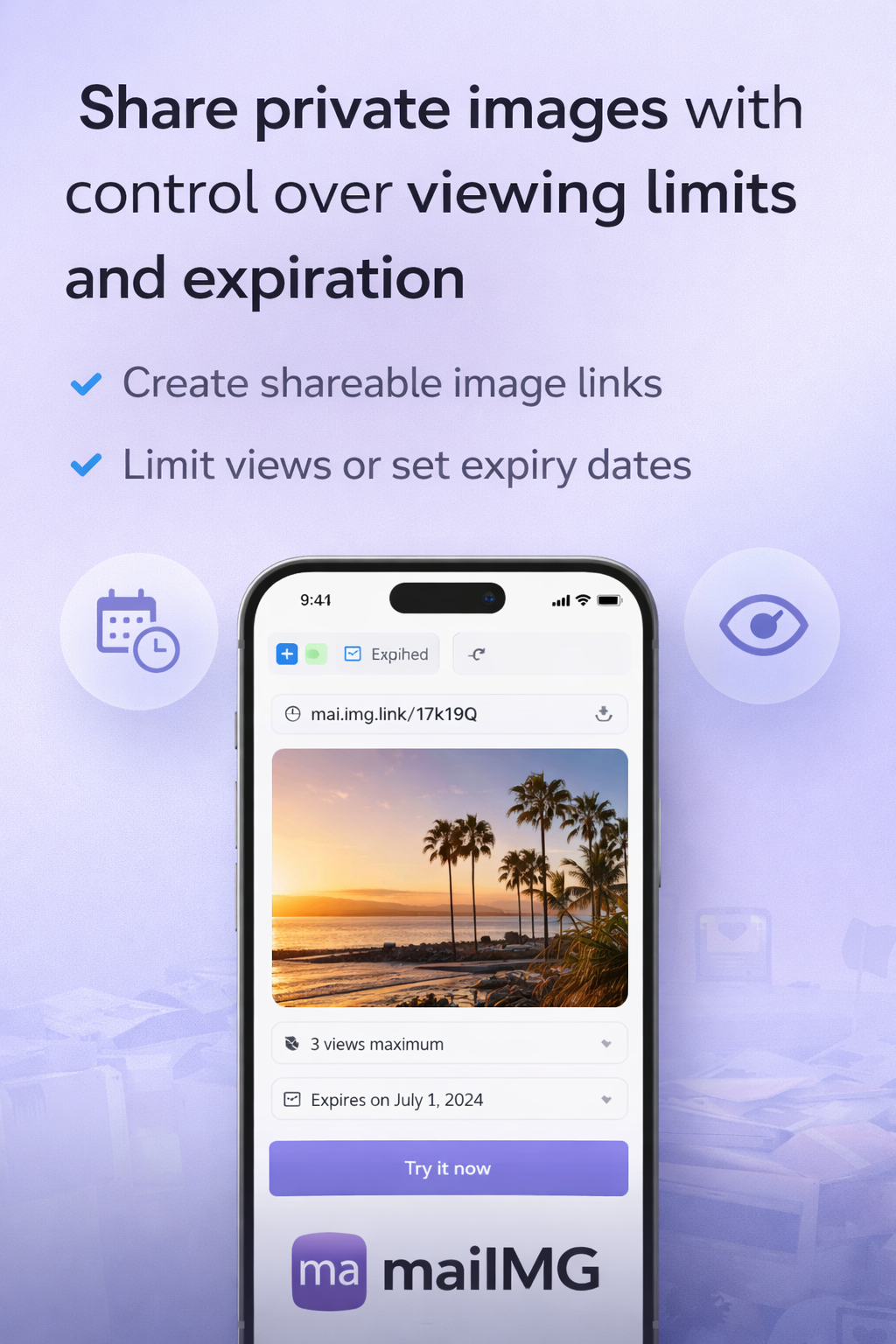
| Access control | Limited or no post-share control in many simple flows | Set open count and expiry before distribution |
| Stop access later | Often indirect or slow | One-click revoke when review/campaign ends |
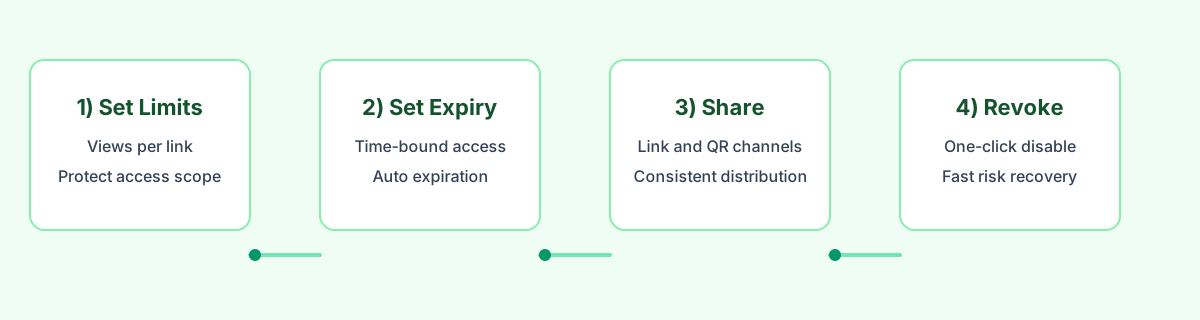
A clean 5-step replacement playbook
- Define scope first: what decision should this image set support?
- Package intentionally: keep sequence clear; split by scenario if you exceed 25 files.
- Publish once: create one link and one QR from the same source URL.
- Apply control before sending: view limit + expiry based on risk and timeline.
- Close cleanly: revoke the link after delivery, approval, or campaign end.
Visual reference
Who this alternative is for
- Marketing teams running time-bounded campaigns
- Photographers delivering client galleries with review windows
- Event teams sharing photos in both online and offline channels
- Operations teams that need a reversible sharing process
Bottom line: choose tools by workflow control, not upload speed alone. Upload is step one; post-share control is where risk is managed.