English Blog / Link Expiry Rules

Image Link Expiry Rules for Client Delivery

Short version: set access rules before sending, not after confusion starts. A clean expiry window keeps delivery professional and predictable.

Default rules that work in real projects

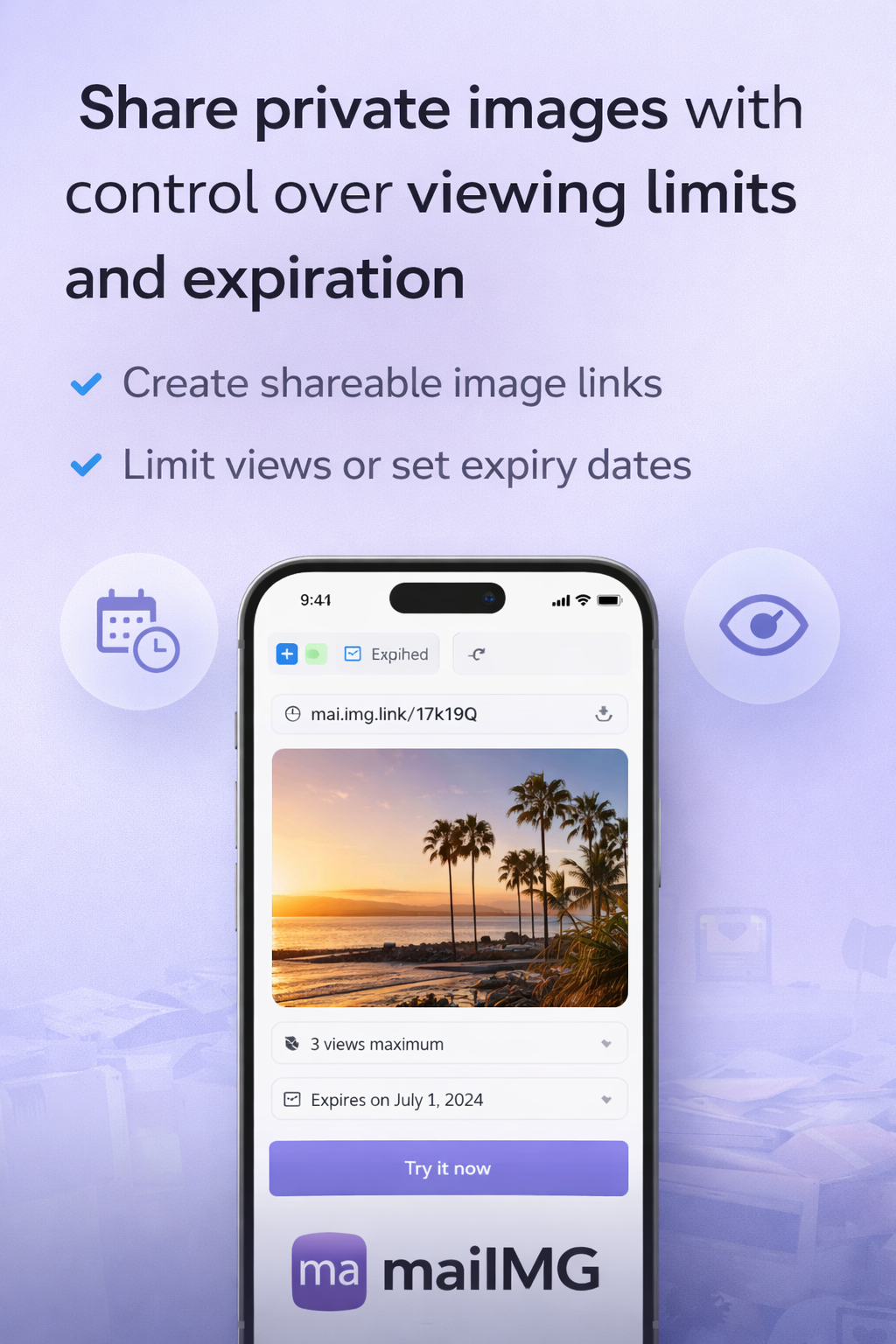
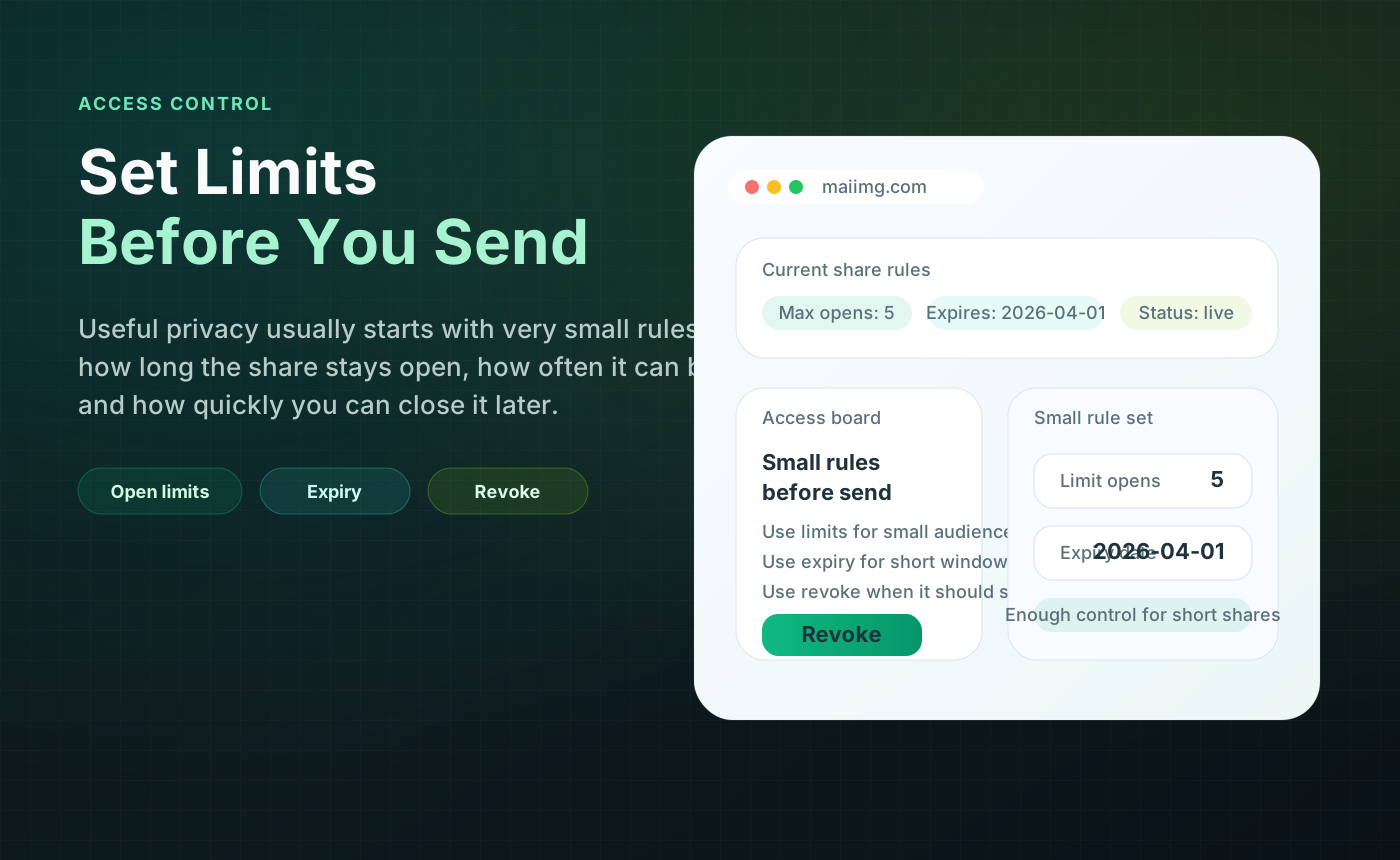
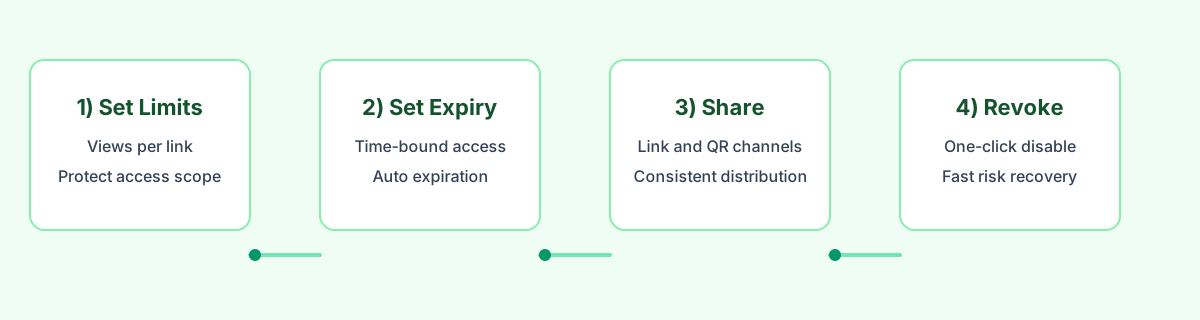
MaiIMG workflow baseline: one link supports up to 25 images, can be converted to a QR code, supports open limits and expiry, and can be revoked in one click.

5-step setup before you send

  1. Group images by decision point (review vs final).
  2. Keep each link under 25 images for clarity.
  3. Create one URL and one QR from the same set.
  4. Apply open-count + expiry settings.
  5. Close the link as soon as the delivery window ends.

What clients actually appreciate

Clients rarely ask for “more features.” They ask for clarity: which set is final, how long it stays available, and how to access it quickly. Expiry rules help all three.

Related reading