Core flow
From upload to controlled access
The first diagram covers the basic path: upload files, generate one share, distribute it, then manage access as people open it.
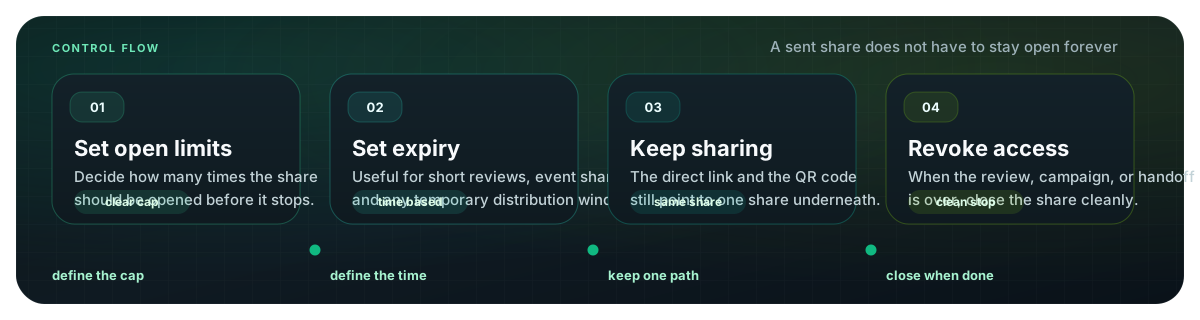
When a photo share gets confusing, a simple workflow helps. These diagrams show the practical path: upload a focused set, share one link or QR code, set limits, and close access when the task is done.
Upload a focused image or short-video set.
Use the direct link online and QR code for scan contexts.
Set view limits, expiry, access records, and revoke when finished.
This is a lightweight share workflow, not a full asset management system.
Both entry points open the same share and follow the same controls.
Expiry and revoke are part of the workflow, not an afterthought.
The first diagram covers the basic path: upload files, generate one share, distribute it, then manage access as people open it.

A link works best in digital channels. A QR code works best on printed material, screens, tables, event signs, or in-person handoffs.
View limits, expiry, access records, and revoke controls turn a share into something you can finish instead of leaving it open forever.
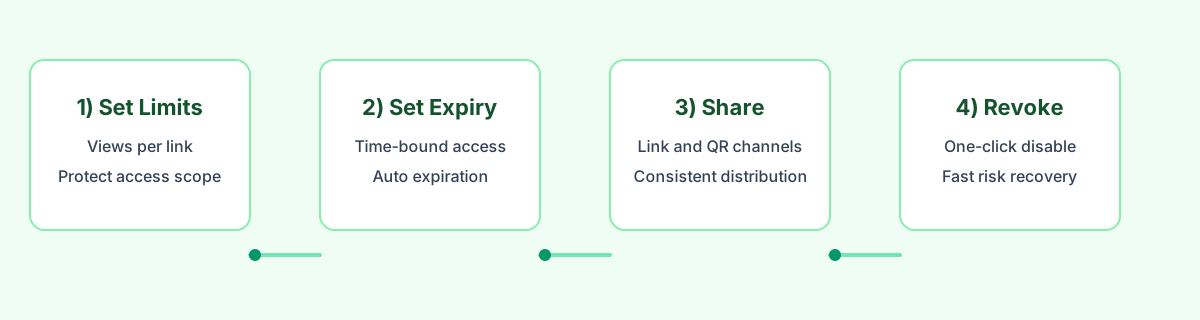
Upload a focused set, share it by link or QR code, set the limits, and close access when the workflow is complete.
Try MaiIMG